Get Neera on your phone
Install from Google Play and updates arrive on their own. If you manage your agents’ devices yourself, a direct APK is available further down.
Android 8.0 or newer · about 30 MB · free for licensed agencies
Installing it
Four steps, once per device.
- 1
Install from Google Play
Tap the button above, or search for Neera in the Play Store. Play handles the install and keeps the app up to date on its own.
- 2
Open it
Neera needs a data or Wi-Fi connection the first time, to reach your agency and load your customers.
- 3
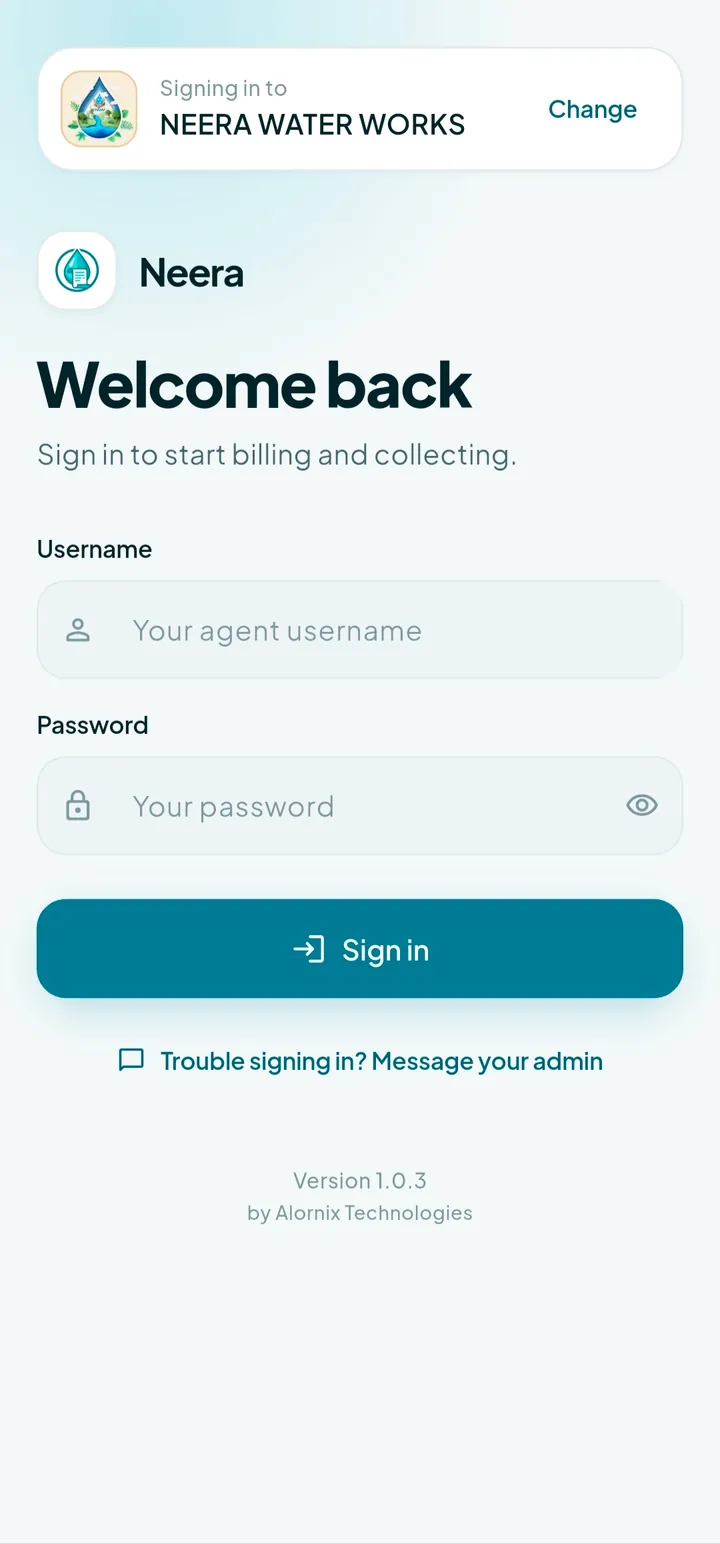
Enter your company ID
Open Neera and type the company ID your administrator gave you. You only do this once on each device.
- 4
Sign in
Use the username and password your administrator issued. If you do not have them, ask your administrator — we cannot issue agent credentials.
Installing without Play
Some agencies push builds to managed handsets directly. The APK below is the same release that is on Play. Android will ask for one extra confirmation, and you will need to allow your browser to install unknown apps — that prompt appears for every APK, not just this one. Updates are then yours to distribute.
Download the APKOnly install from Play or this page
Both are served by us. Do not install a Neera APK forwarded from anywhere else.
What you need
- An Android phone running 8.0 or newer
- A company ID from your administrator
- Your own agent username and password
- A mobile data or Wi-Fi connection
- Optional: a 58mm or 80mm Bluetooth thermal printer
Administrators use the web
There is nothing to install for the office. Customers, agents, rate rules and collections are all managed from the browser, and it works on a phone too.
Open the admin portalNot sure it fits your scheme?
Tell us how you bill today and we will walk you through what changes.
Talk to us