
A billing round, start to finish
Five steps, one visit. This is exactly what an agent sees, in the order they see it.
Sign in to the demo company
A shared trial tenant, loaded with sample customers, bills and rate rules. Open the portal and the app side by side and raise a bill in one, then watch it land in the other.
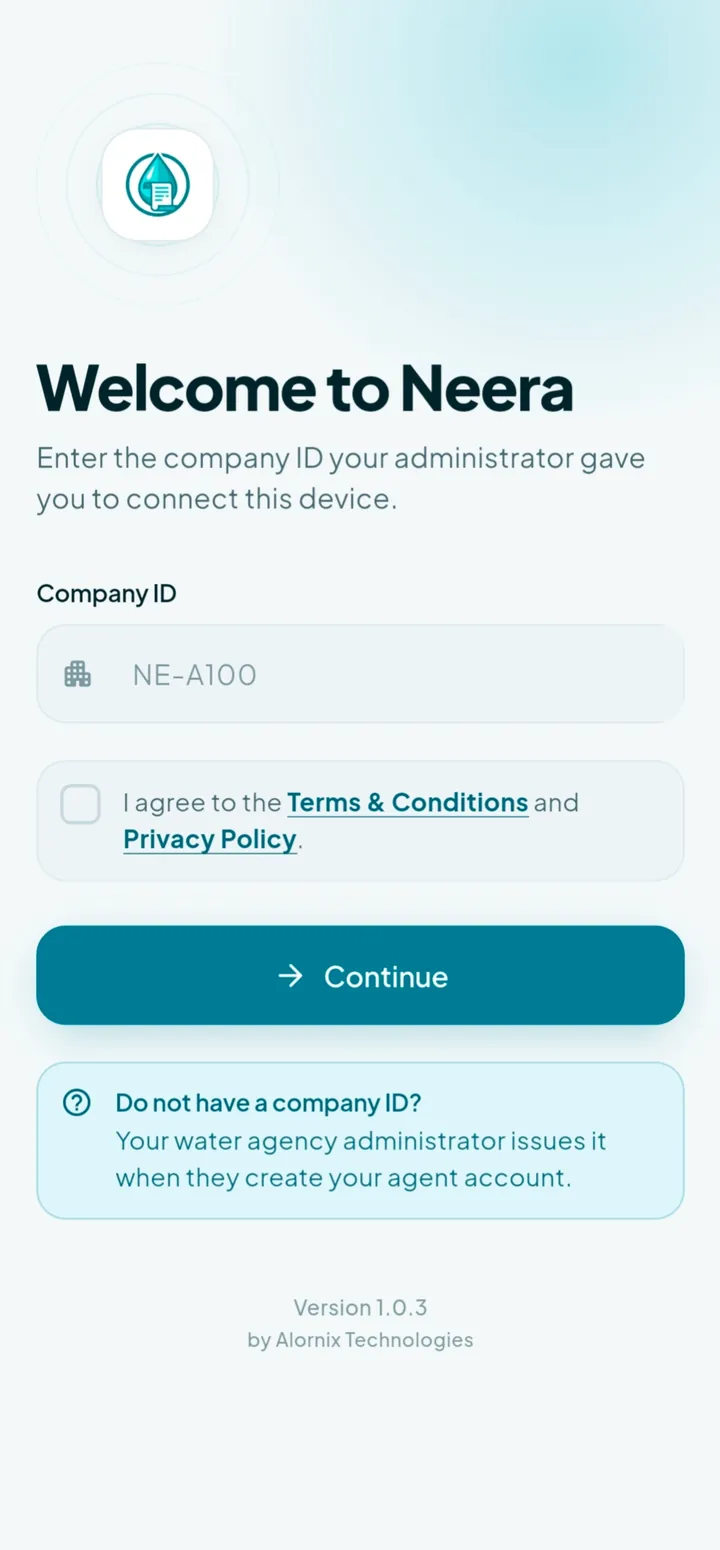
Company ID
NE-A100
The app asks for this once, on first launch.
Password
demo123
The same for all three demo accounts below.
| Role | Username | Sign in at |
|---|---|---|
| Company adminThe office view: customers, rate rules, agents and reconciliation. | demo_admin | Admin portal |
| Billing agentRaises bills at the meter and collects on the spot. | agent_demo | Mobile app |
| Collection agentTakes payment against existing dues; cannot raise new bills. | collector_demo | Mobile app |
The demo company is reset from time to time, so treat anything you enter as temporary. Your own agency gets a private database that nobody else can reach.
Connect the device once
The agent enters the company ID you issue, then signs in with their own username. The company stays on the device, so signing out later only asks for a password.
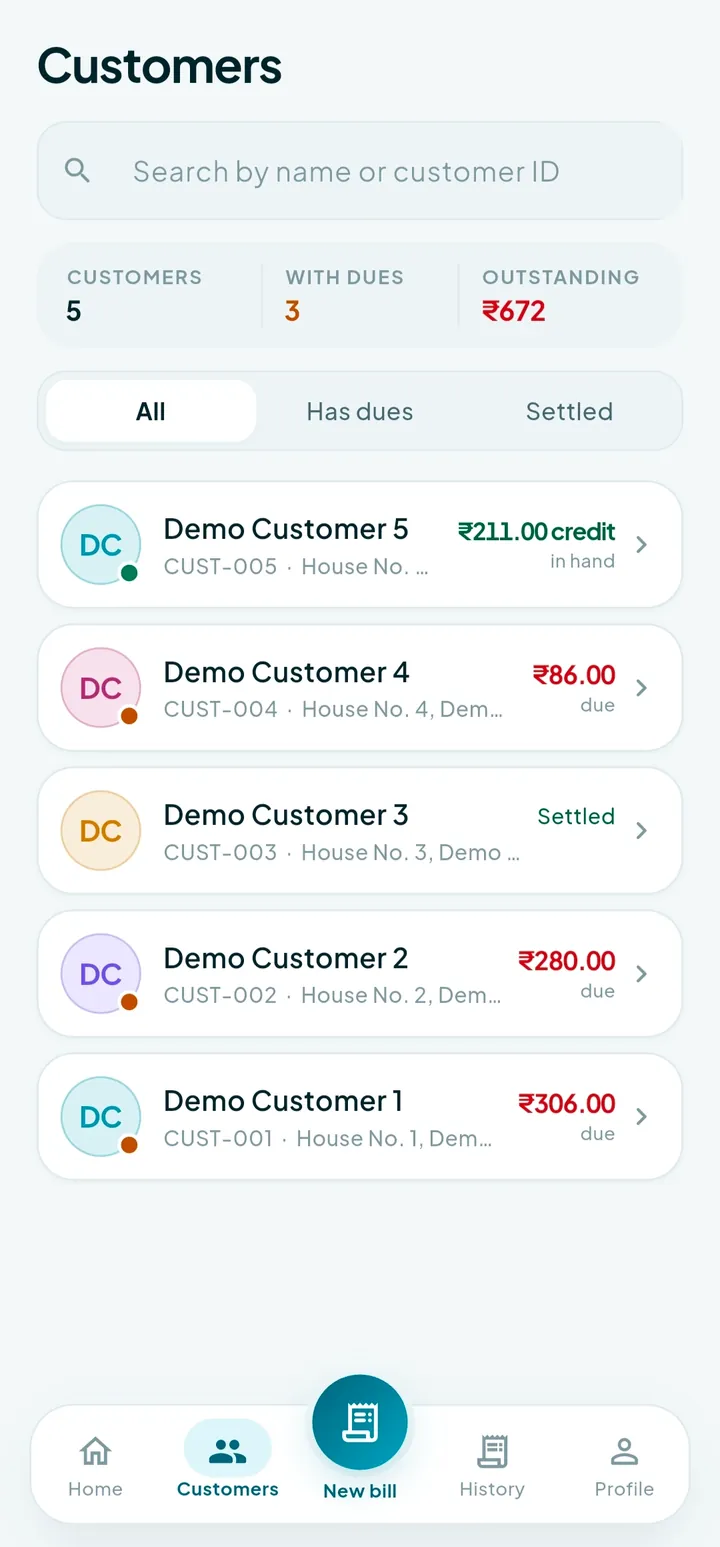
Find the customer
Search by name or customer ID. Their last reading, last bill date and any outstanding balance load with them.
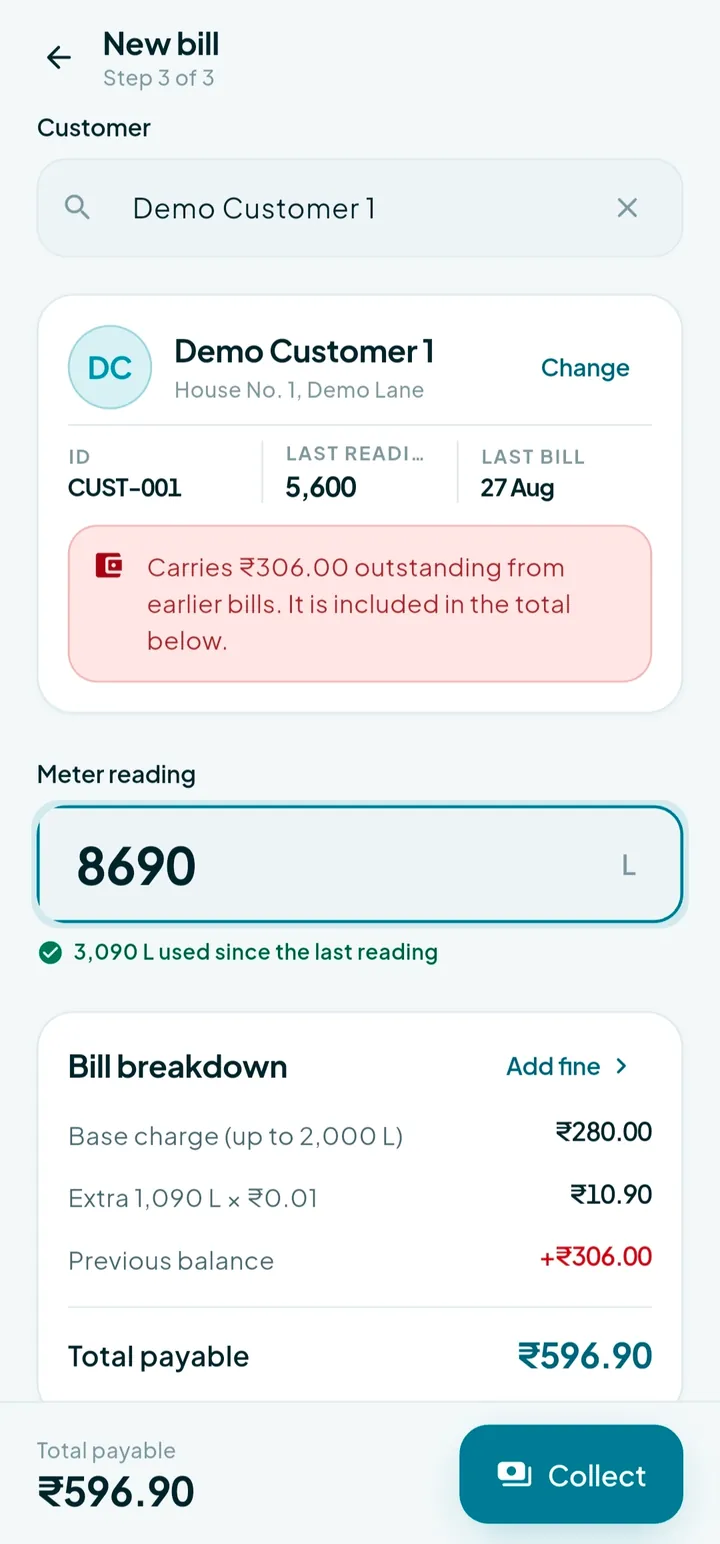
Enter the reading
Type what the dial says. Neera checks it against the previous reading, shows the litres used, and prices it against your rules instantly.
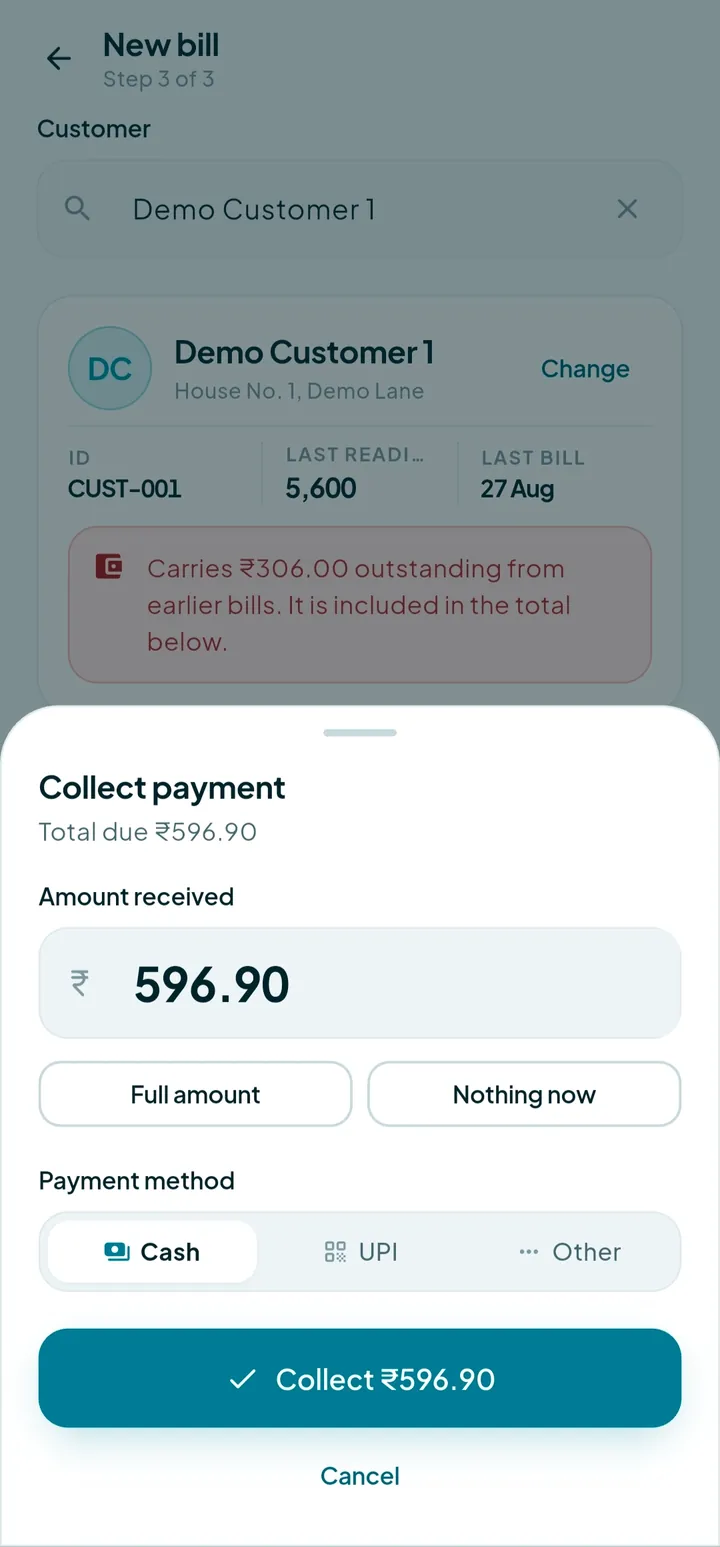
Take the payment
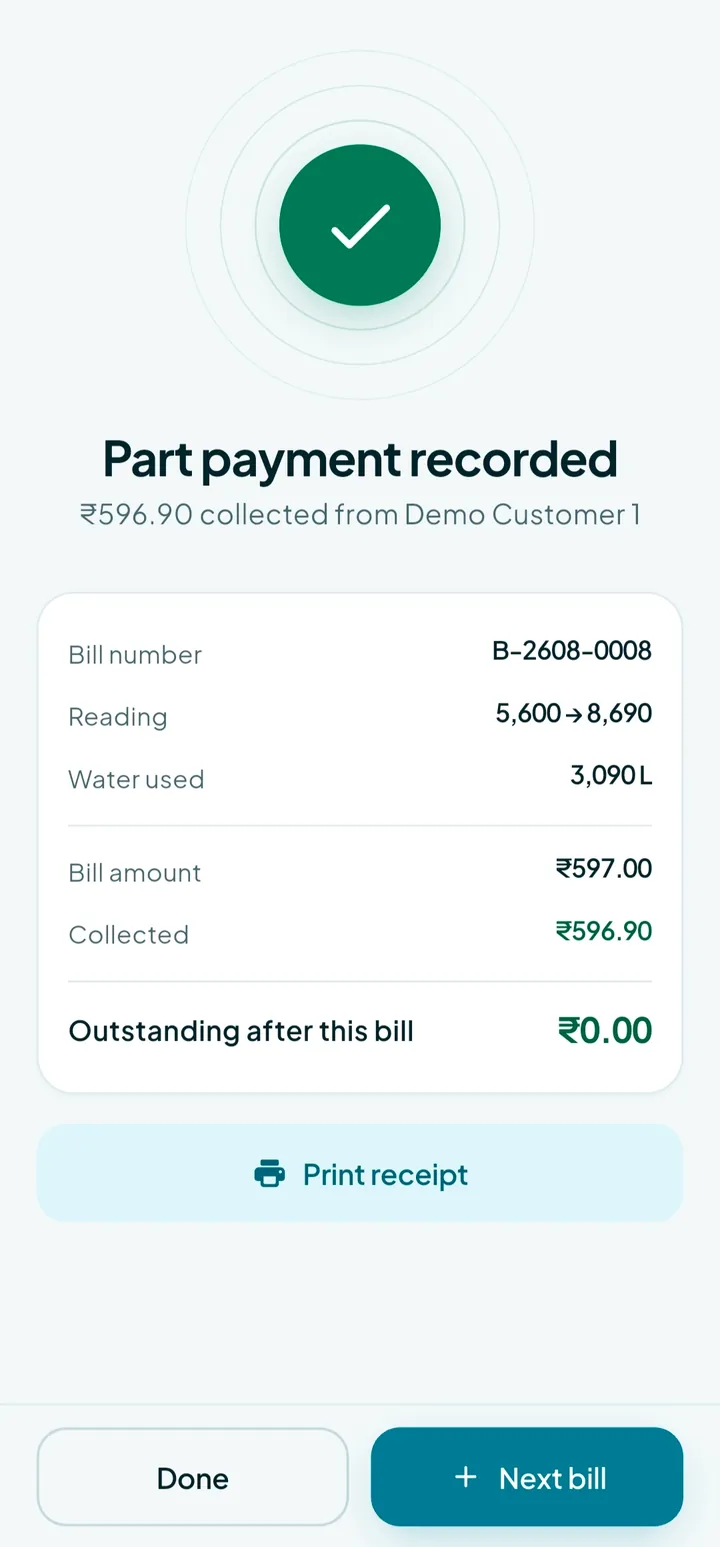
Full amount, part payment, or pay later. Choose cash, UPI or card — the balance updates the moment it is recorded.
Print and move on
The receipt prints over Bluetooth, or downloads as a PDF to share. The office sees the collection immediately.
What the office does first
Before an agent can raise a bill, three things happen once in the admin portal.
- 1
Set your rate rules
Base limit in litres, the base amount every customer pays, and the per-litre rate above the limit. Every bill in the field uses these.
- 2
Add your customers
Name, address, meter number, the current reading and any balance they already carry — so the first Neera bill continues from your existing books.
- 3
Create your agents
Give each one a username and password. Choose whether they can raise bills, only collect against existing dues, or also sign in to the portal.
Then hand out the company ID
Each agency has a single company ID. An agent types it once when they first open the app, and never again on that device.